Accelerating Transformer Models with Hugging Face Optimum and ONNX Runtime
This guide demonstrates how to enhance the performance of Transformer-based models using Hugging Face’s Optimum library, focusing on speed improvements without sacrificing accuracy. We start by fine-tuning DistilBERT on the SST-2 sentiment analysis dataset, then evaluate various execution backends including native PyTorch, PyTorch with torch.compile, ONNX Runtime, and quantized ONNX Runtime. The entire process is conducted within a Google Colab environment, providing practical insights into model export, optimization, quantization, and benchmarking.
Setting Up the Environment and Dependencies
First, we install the necessary Python packages and configure the environment to leverage Hugging Face Optimum with ONNX Runtime. We define key parameters such as model paths, batch size, maximum sequence length, and device selection (GPU if available, otherwise CPU). This setup ensures reproducibility and efficient resource utilization.
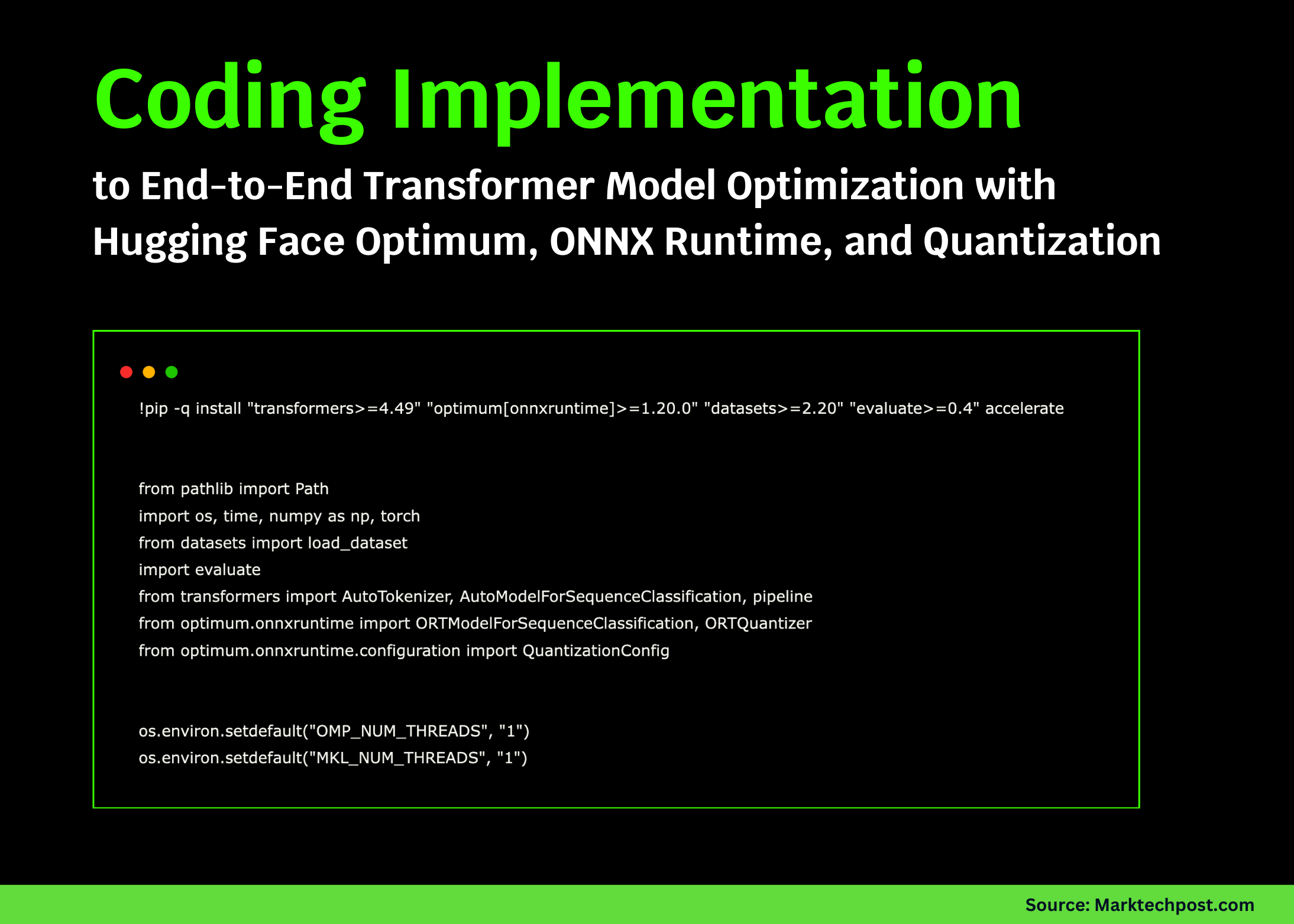
!pip install -q "transformers>=4.49" "optimum[onnxruntime]>=1.20.0" "datasets>=2.20" "evaluate>=0.4" accelerate

import os
import time
import numpy as np
import torch
from pathlib import Path
from datasets import loaddataset
import evaluate
from transformers import AutoTokenizer, AutoModelForSequenceClassification, pipeline
from optimum.onnxruntime import ORTModelForSequenceClassification, ORTQuantizer
from optimum.onnxruntime.configuration import QuantizationConfig

os.environ["OMPNUMTHREADS"] = "1"
os.environ["MKLNUMTHREADS"] = "1"

MODELID = "distilbert-base-uncased-finetuned-sst-2-english"
ONNXDIR = Path("onnx-distilbert")
QUANTDIR = Path("onnx-distilbert-quant")
DEVICE = "cuda" if torch.cuda.isavailable() else "cpu"
BATCHSIZE = 16
MAXSEQLEN = 128
WARMUPSTEPS = 3
BENCHMARKITERS = 8

print(f"Running on device: {DEVICE} | PyTorch version: {torch.version}")
Data Preparation and Utility Functions
We load a subset of the SST-2 validation dataset for evaluation and initialize the tokenizer and accuracy metric. Helper functions are created to batch the input texts, evaluate model accuracy, and benchmark inference latency. These utilities enable consistent and fair comparisons across different model execution strategies.
dataset = loaddataset("glue", "sst2", split="validation[:20%]")
sentences, labels = dataset["sentence"], dataset["label"]
accuracymetric = evaluate.load("accuracy")
tokenizer = AutoTokenizer.frompretrained(MODELID)

def batchtokenize(texts, maxlength=MAXSEQLEN, batchsize=BATCHSIZE):
    for i in range(0, len(texts), batchsize):
        yield tokenizer(texts[i:i+batchsize], padding=True, truncation=True,
                        maxlength=maxlength, returntensors="pt")

def evaluateaccuracy(predictfn, texts, labels):
    predictions = []
    for batch in batchtokenize(texts):
        predictions.extend(predictfn(batch))
    return accuracymetric.compute(predictions=predictions, references=labels)["accuracy"]

def benchmarkinference(predictfn, texts, warmup=WARMUPSTEPS, iterations=BENCHMARKITERS):
    for  in range(warmup):
        for batch in batchtokenize(texts[:BATCHSIZE2]):
            predictfn(batch)
    timings = []
    for  in range(iterations):
        start = time.time()
        for batch in batchtokenize(texts):
            predictfn(batch)
        elapsedms = (time.time() - start)  1000
        timings.append(elapsedms)
    return float(np.mean(timings)), float(np.std(timings))
Baseline PyTorch Model Evaluation and JIT Compilation
We load the DistilBERT model fine-tuned on SST-2 and define a prediction function that runs inference on tokenized batches. The model is benchmarked for latency and accuracy. Next, we attempt to optimize the model using PyTorch’s torch.compile feature, which applies just-in-time graph optimizations to reduce overhead. If successful, we benchmark the compiled model to compare performance gains.
pytorchmodel = AutoModelForSequenceClassification.frompretrained(MODELID).to(DEVICE).eval()

@torch.nograd()
def pytorchpredict(batch):
    batch = {k: v.to(DEVICE) for k, v in batch.items()}
    outputs = pytorchmodel(batch).logits
    return outputs.argmax(dim=-1).cpu().tolist()

ptmean, ptstd = benchmarkinference(pytorchpredict, sentences)
ptaccuracy = evaluateaccuracy(pytorchpredict, sentences, labels)
print(f"[PyTorch eager] Latency: {ptmean:.1f}±{ptstd:.1f} ms | Accuracy: {ptaccuracy:.4f}")

compiledmodel = pytorchmodel
compilesuccess = False
try:
    compiledmodel = torch.compile(pytorchmodel, mode="reduce-overhead", fullgraph=False)
    compilesuccess = True
except Exception as e:
    print(f"torch.compile not available or failed: {e}")

@torch.nograd()
def compiledpredict(batch):
    batch = {k: v.to(DEVICE) for k, v in batch.items()}
    outputs = compiledmodel(batch).logits
    return outputs.argmax(dim=-1).cpu().tolist()

if compilesuccess:
    cmean, cstd = benchmarkinference(compiledpredict, sentences)
    caccuracy = evaluateaccuracy(compiledpredict, sentences, labels)
    print(f"[torch.compile] Latency: {cmean:.1f}±{cstd:.1f} ms | Accuracy: {caccuracy:.4f}")
ONNX Runtime Integration and Dynamic Quantization
To further accelerate inference, we export the model to ONNX format and run it using ONNX Runtime, which often delivers faster execution especially on CPU. We then apply dynamic quantization using Optimum’s ORTQuantizer to reduce model size and latency while maintaining accuracy. Both the standard and quantized ONNX models are benchmarked and evaluated.
executionprovider = "CUDAExecutionProvider" if DEVICE == "cuda" else "CPUExecutionProvider"
onnxmodel = ORTModelForSequenceClassification.frompretrained(
    MODELID, export=True, provider=executionprovider, cachedir=ONNXDIR
)

@torch.nograd()
def onnxpredict(batch):
    batch = {k: v.cpu() for k, v in batch.items()}
    outputs = onnxmodel(batch).logits
    return outputs.argmax(dim=-1).cpu().tolist()

onnxmean, onnxstd = benchmarkinference(onnxpredict, sentences)
onnxaccuracy = evaluateaccuracy(onnxpredict, sentences, labels)
print(f"[ONNX Runtime] Latency: {onnxmean:.1f}±{onnxstd:.1f} ms | Accuracy: {onnxaccuracy:.4f}")

QUANTDIR.mkdir(parents=True, existok=True)
quantizer = ORTQuantizer.frompretrained(ONNXDIR)
quantconfig = QuantizationConfig(approach="dynamic", perchannel=False, reducerange=True)
quantizer.quantize(modelinput=ONNXDIR, quantizationconfig=quantconfig, savedir=QUANTDIR)

quantizedonnxmodel = ORTModelForSequenceClassification.frompretrained(QUANTDIR, provider=executionprovider)

@torch.nograd()
def quantizedpredict(batch):
    batch = {k: v.cpu() for k, v in batch.items()}
    outputs = quantizedonnxmodel(batch).logits
    return outputs.argmax(dim=-1).cpu().tolist()

quantmean, quantstd = benchmarkinference(quantizedpredict, sentences)
quantaccuracy = evaluateaccuracy(quantizedpredict, sentences, labels)
print(f"[Quantized ONNX] Latency: {quantmean:.1f}±{quantstd:.1f} ms | Accuracy: {quantaccuracy:.4f}")
Comparing Predictions and Summarizing Results
To verify consistency, we run sentiment analysis on sample sentences using both PyTorch and ONNX Runtime pipelines, comparing their outputs side by side. Finally, we compile a summary table that contrasts latency and accuracy metrics across all tested execution engines, including the compiled PyTorch model if available.
ptpipeline = pipeline("sentiment-analysis", model=pytorchmodel, tokenizer=tokenizer,
                       device=0 if DEVICE == "cuda" else -1)
onnxpipeline = pipeline("sentiment-analysis", model=onnxmodel, tokenizer=tokenizer, device=-1)

testsamples = [
    "An outstanding film with superb acting!",
    "Totally disappointing and boring.",
    "I have mixed feelings about this one."
]

print("Sample predictions (PyTorch | ONNX Runtime):")
for text in testsamples:
    ptlabel = ptpipeline(text)[0]["label"]
    onnxlabel = onnxpipeline(text)[0]["label"]
    print(f"- {text}n  PyTorch: {ptlabel} | ONNX: {onnxlabel}")

import pandas as pd

results = [
    ["PyTorch eager", ptmean, ptstd, ptaccuracy],
    ["ONNX Runtime", onnxmean, onnxstd, onnxaccuracy],
    ["Quantized ONNX", quantmean, quantstd, quantaccuracy]
]

if compilesuccess:
    results.insert(1, ["torch.compile", cmean, cstd, caccuracy])

df = pd.DataFrame(results, columns=["Engine", "Mean Latency (ms ↓)", "Std Dev (ms)", "Accuracy"])
display(df)
Additional Insights and Best Practices
- Deprecation Notice: The BetterTransformer optimization is deprecated in transformers version 4.49 and above, so it is excluded from this workflow.
- GPU Optimization: For further acceleration on GPUs, consider leveraging FlashAttention2 or FP8 precision with TensorRT-LLM.
- CPU Tuning: Adjust thread settings via
OMPNUMTHREADSandMKLNUMTHREADS, and explore NUMA pinning for improved CPU performance. - Static Quantization: To apply calibrated static quantization, use
QuantizationConfig(approach='static')along with a representative calibration dataset.
Conclusion
This tutorial highlights how Hugging Face Optimum bridges the gap between research-grade PyTorch models and production-ready, optimized deployments. By combining ONNX Runtime and quantization techniques, we achieve significant speedups while preserving model accuracy. Additionally, PyTorch’s torch.compile offers promising performance improvements within the native framework. This comprehensive approach provides a solid foundation for deploying Transformer models efficiently, with potential extensions to other backends like OpenVINO or TensorRT for even greater acceleration.