

Building an Advanced AI Agent with Microsoft’s Agent-Lightning Framework in Google Colab
This guide demonstrates how to construct a sophisticated AI agent using Microsoft’s Agent-Lightning framework, all within the convenience of Google Colab. By integrating both server and client components in a single environment, we can seamlessly experiment with agent training, task management, and performance evaluation. Our approach involves creating a compact question-answering (QA) agent, linking it to a local Agent-Lightning server, and training it using various system prompts to observe how the framework handles resource updates, task queuing, and automated scoring.
Installing Dependencies and Setting Up Environment
!pip install -q agentlightning openai nest_asyncio python-dotenv >/dev/null

import os
import threading
import asyncio
import nest_asyncio
from getpass import getpass
import openai

from agentlightning.litagent import LitAgent
from agentlightning.trainer import Trainer
from agentlightning.server import AgentLightningServer
from agentlightning.types import PromptTemplate

# Securely configure OpenAI API key
if not os.getenv("OPENAI_API_KEY"):
    try:
        os.environ["OPENAI_API_KEY"] = getpass("🔐 Enter your OPENAI_API_KEY (leave blank if using local/proxy base): ") or ""
    except Exception:
        pass

# Define the model to be used
MODEL = os.getenv("MODEL", "gpt-4o-mini")
We start by installing the necessary Python packages and importing essential modules for Agent-Lightning. The OpenAI API key is securely set up, and the model for inference is specified, defaulting to gpt-4o-mini if not otherwise defined.
Creating a Custom QA Agent with Reward-Based Training
class QAAgent(LitAgent):
    def training_rollout(self, task, rollout_id, resources):
        """
        Executes a training step by sending the user prompt to the LLM with a system prompt,
        then scores the response against the expected answer.
        """
        system_prompt = resources["system_prompt"].template
        user_prompt = task["prompt"]
        expected_answer = task.get("answer", "").strip().lower()

        try:
            response = openai.chat.completions.create(
                model=MODEL,
                messages=[
                    {"role": "system", "content": system_prompt},
                    {"role": "user", "content": user_prompt}
                ],
                temperature=0.2,
            )
            prediction = response.choices[0].message.content.strip()
        except Exception as e:
            prediction = f"[error]{e}"

        def calculate_reward(pred, gold):
            pred_lower = pred.lower()
            base_score = 1.0 if gold and gold in pred_lower else 0.0
            gold_tokens = set(gold.split())
            pred_tokens = set(pred_lower.split())
            intersection = len(gold_tokens & pred_tokens)
            denom = len(gold_tokens) + len(pred_tokens) or 1
            overlap_score = 2 * intersection / denom
            brevity_bonus = 0.2 if base_score == 1.0 and len(pred_lower.split())
By extending LitAgent, we define a QAAgent that processes each training task by querying the language model with a system prompt and user question. The agent's response is then evaluated against the correct answer using a custom reward function that considers accuracy, token overlap, and conciseness, encouraging precise and succinct replies.
Defining Tasks and System Prompts for Training
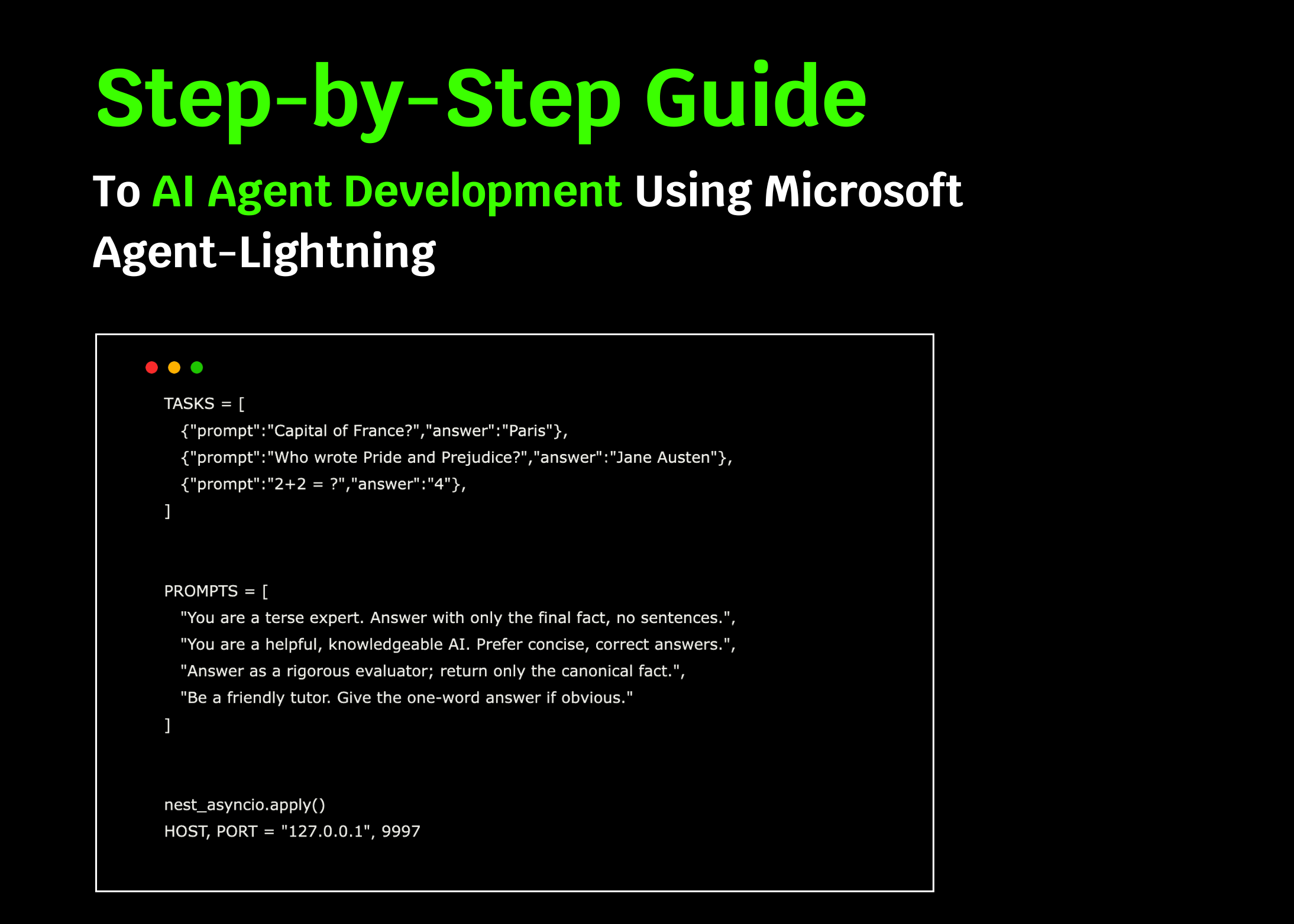
TASKS = [
    {"prompt": "What is the capital city of Germany?", "answer": "Berlin"},
    {"prompt": "Who is the author of 'To Kill a Mockingbird'?", "answer": "Harper Lee"},
    {"prompt": "Calculate 5 multiplied by 3.", "answer": "15"},
]

SYSTEM_PROMPTS = [
    "Respond with only the exact answer, no additional explanation.",
    "You are a knowledgeable assistant; provide brief and accurate answers.",
    "Answer strictly with the canonical fact, no elaboration.",
    "Be a concise tutor; give one-word answers when possible."
]

nest_asyncio.apply()
HOST, PORT = "127.0.0.1", 9997
We prepare a small set of QA tasks and a variety of system prompts designed to influence the agent's response style. Applying nest_asyncio allows asynchronous operations within Colab, and we specify the local server's host and port for communication.
Launching the Agent-Lightning Server and Evaluating Prompts
async def start_server_and_evaluate():
    server = AgentLightningServer(host=HOST, port=PORT)
    await server.start()
    print("✅ Agent-Lightning server is running.")

    await asyncio.sleep(1.5)  # Allow server to initialize

    evaluation_results = []

    for prompt in SYSTEM_PROMPTS:
        await server.update_resources({"system_prompt": PromptTemplate(template=prompt, engine="f-string")})
        prompt_scores = []

        for task in TASKS:
            task_id = await server.queue_task(sample=task, mode="train")
            rollout = await server.poll_completed_rollout(task_id, timeout=40)

            if rollout is None:
                print("⏳ Rollout timed out; skipping task.")
                continue

            prompt_scores.append(float(getattr(rollout, "final_reward", 0.0)))

        average_score = sum(prompt_scores) / len(prompt_scores) if prompt_scores else 0.0
        print(f"🔍 Average score for prompt: {average_score:.3f} | Prompt: {prompt}")
        evaluation_results.append((prompt, average_score))

    best_prompt = max(evaluation_results, key=lambda x: x[1]) if evaluation_results else ("", 0)
    print(f"n🏁 Best system prompt: {best_prompt[0]} with score: {best_prompt[1]:.3f}")

    await server.stop()
This asynchronous function initiates the Agent-Lightning server, cycles through each system prompt by updating the shared resource, queues training tasks, and collects their rollout results. It calculates average rewards per prompt, identifies the highest-performing prompt, and then cleanly shuts down the server.
Running the Client and Server Concurrently
def launch_client():
    agent = QAAgent()
    trainer = Trainer(n_workers=2)
    trainer.fit(agent, backend=f"http://{HOST}:{PORT}")

client_thread = threading.Thread(target=launch_client, daemon=True)
client_thread.start()

asyncio.run(start_server_and_evaluate())
To enable parallel task processing, the client runs in a separate thread with two worker processes. Simultaneously, the server loop executes, managing prompt evaluation and aggregating results. This setup allows efficient experimentation within a single Colab session.
Summary: Streamlining AI Agent Development with Agent-Lightning
Through this example, we illustrate how Agent-Lightning simplifies the creation of adaptable AI agent pipelines with minimal code. The framework supports launching a server, running multiple client workers, testing various system prompts, and automatically assessing performance metrics-all within one environment. This approach accelerates the iterative process of building, refining, and optimizing AI agents, making it accessible and efficient for developers and researchers alike.





