Hands-On Guide to Building Neural Networks with Tinygrad
This comprehensive tutorial walks you through constructing neural networks from the ground up using Tinygrad, a minimalist deep learning framework. We dive deep into tensor manipulations, automatic differentiation, attention mechanisms, and transformer architectures, progressively assembling each element-from fundamental tensor operations to multi-head attention modules, transformer blocks, and ultimately a compact GPT-style model. Throughout the process, Tinygrad’s straightforward design offers clear insights into the inner workings of model training, optimization, and kernel fusion for enhanced performance.
Step 1: Setting Up Tinygrad and Exploring Tensor Operations
We begin by installing Tinygrad in a Colab environment and immediately start experimenting with tensors and autograd. By constructing a simple computation graph involving matrix multiplications and element-wise operations, we observe how gradients propagate during backpropagation. This hands-on approach demystifies the automatic differentiation process, revealing how Tinygrad tracks operations to compute derivatives efficiently.
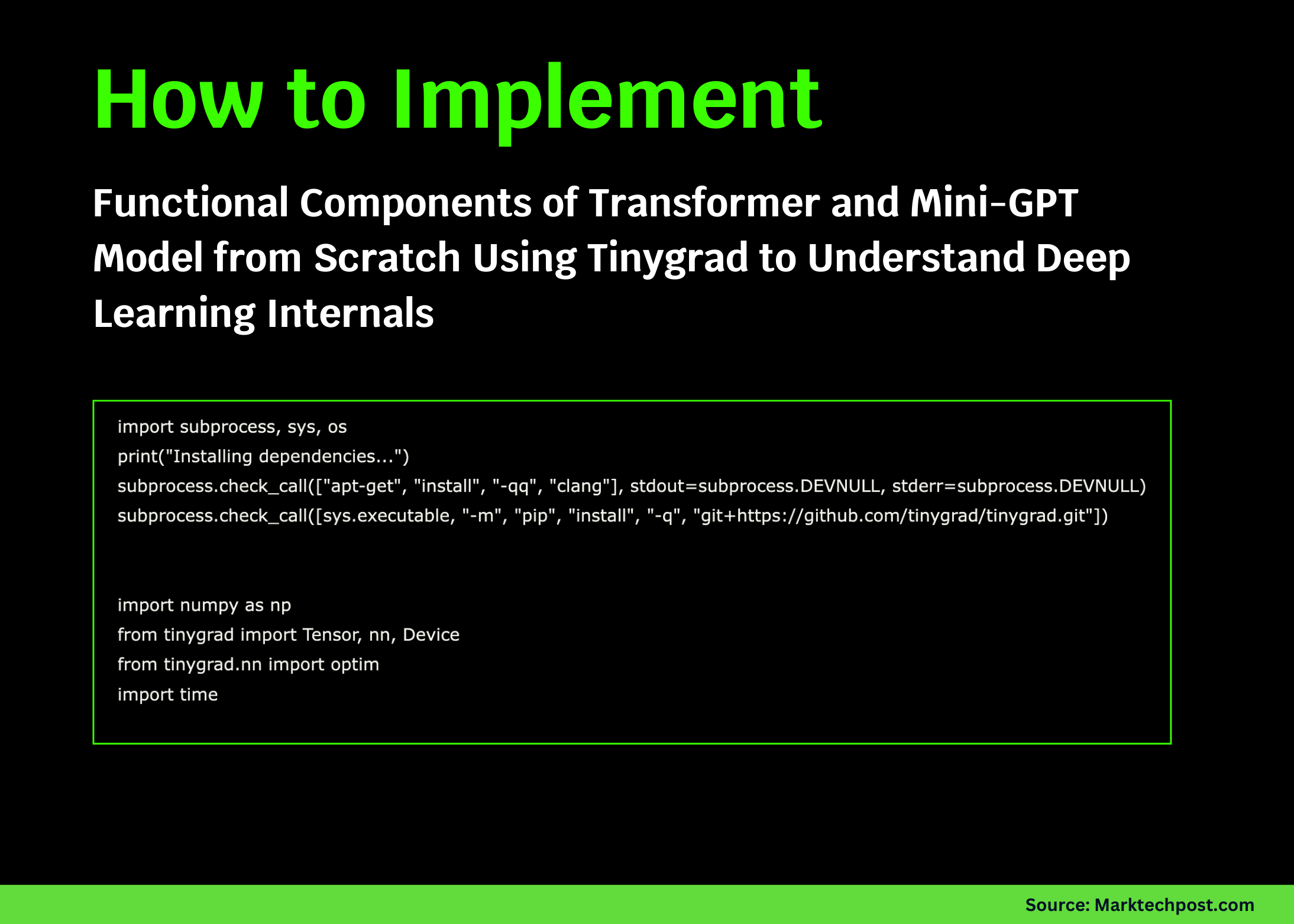
import subprocess, sys
print("Installing dependencies...")
subprocess.checkcall(["apt-get", "install", "-qq", "clang"], stdout=subprocess.DEVNULL, stderr=subprocess.DEVNULL)
subprocess.checkcall([sys.executable, "-m", "pip", "install", "-q", "git+https://github.com/tinygrad/tinygrad.git"])

import numpy as np
from tinygrad import Tensor, Device

print(f"Using device: {Device.DEFAULT}")
print("="  60)

x = Tensor([[1.0, 2.0], [3.0, 4.0]], requiresgrad=True)
y = Tensor([[2.0, 0.0], [1.0, 2.0]], requiresgrad=True)

z = (x @ y).sum() + (x  2).mean()
z.backward()

print(f"x:n{x.numpy()}")
print(f"y:n{y.numpy()}")
print(f"z (scalar): {z.numpy()}")
print(f"∂z/∂x:n{x.grad.numpy()}")
print(f"∂z/∂y:n{y.grad.numpy()}")
Step 2: Crafting Custom Multi-Head Attention and Transformer Blocks
Next, we build a multi-head attention mechanism and transformer block from scratch. This involves manually implementing query, key, and value projections, scaled dot-product attention with softmax normalization, feedforward layers, and layer normalization. By running this code, we gain a granular understanding of how each component contributes to the transformer’s functionality, laying the foundation for more complex architectures.
class MultiHeadAttention:
    def init(self, dim, numheads):
        self.numheads = numheads
        self.dim = dim
        self.headdim = dim // numheads
        self.qkv = Tensor.glorotuniform(dim, 3  dim)
        self.out = Tensor.glorotuniform(dim, dim)

    def call(self, x):
        B, T, C = x.shape
        qkv = x.reshape(B  T, C).dot(self.qkv).reshape(B, T, 3, self.numheads, self.headdim)
        q, k, v = qkv[:, :, 0], qkv[:, :, 1], qkv[:, :, 2]
        scale = self.headdim  -0.5
        attnscores = (q @ k.transpose(-2, -1))  scale
        attnprobs = attnscores.softmax(axis=-1)
        out = (attnprobs @ v).transpose(1, 2).reshape(B, T, C)
        return out.reshape(B  T, C).dot(self.out).reshape(B, T, C)

class TransformerBlock:
    def init(self, dim, numheads):
        self.attn = MultiHeadAttention(dim, numheads)
        self.ff1 = Tensor.glorotuniform(dim, 4  dim)
        self.ff2 = Tensor.glorotuniform(4  dim, dim)
        self.ln1w = Tensor.ones(dim)
        self.ln2w = Tensor.ones(dim)

    def call(self, x):
        x = x + self.attn(self.layernorm(x, self.ln1w))
        ff = x.reshape(-1, x.shape[-1])
        ff = ff.dot(self.ff1).gelu().dot(self.ff2)
        x = x + ff.reshape(x.shape)
        return self.layernorm(x, self.ln2w)

    def layernorm(self, x, w):
        mean = x.mean(axis=-1, keepdim=True)
        var = ((x - mean)  2).mean(axis=-1, keepdim=True)
        return w  (x - mean) / (var + 1e-5).sqrt()
Step 3: Constructing a Compact GPT Model
Building on the previous components, we assemble a mini-GPT model. This includes token embeddings, positional encodings, stacking multiple transformer blocks, and a final linear layer projecting to vocabulary logits. Despite its simplicity, this model encapsulates the core principles of transformer-based language models, demonstrating how a functional GPT can be implemented with minimal code.
class MiniGPT:
    def init(self, vocabsize=256, dim=128, numheads=4, numlayers=2, maxlen=32):
        self.vocabsize = vocabsize
        self.dim = dim
        self.tokemb = Tensor.glorotuniform(vocabsize, dim)
        self.posemb = Tensor.glorotuniform(maxlen, dim)
        self.blocks = [TransformerBlock(dim, numheads) for  in range(numlayers)]
        self.lnf = Tensor.ones(dim)
        self.head = Tensor.glorotuniform(dim, vocabsize)

    def call(self, idx):
        B, T = idx.shape
        tokemb = self.tokemb[idx.flatten()].reshape(B, T, self.dim)
        posemb = self.posemb[:T].reshape(1, T, self.dim)
        x = tokemb + posemb
        for block in self.blocks:
            x = block(x)
        mean = x.mean(axis=-1, keepdim=True)
        var = ((x - mean)  2).mean(axis=-1, keepdim=True)
        x = self.lnf  (x - mean) / (var + 1e-5).sqrt()
        return x.reshape(B  T, self.dim).dot(self.head).reshape(B, T, self.vocabsize)

    def getparams(self):
        params = [self.tokemb, self.posemb, self.lnf, self.head]
        for block in self.blocks:
            params.extend([block.attn.qkv, block.attn.out, block.ff1, block.ff2, block.ln1w, block.ln2w])
        return params

model = MiniGPT(vocabsize=256, dim=64, numheads=4, numlayers=2, maxlen=16)
params = model.getparams()
totalparams = sum(p.numel() for p in params)
print(f"Model initialized with {totalparams:,} parameters")
Step 4: Training the MiniGPT on Synthetic Data
We train the mini-GPT model using artificially generated sequences, where the task is to predict the preceding token in the sequence. Utilizing the Adam optimizer, we monitor the loss reduction over multiple iterations, confirming that the model learns meaningful representations even with simple data. This step highlights the training loop mechanics and optimization strategies in Tinygrad.
def generatedata(batchsize, seqlen):
    x = np.random.randint(0, 256, (batchsize, seqlen))
    y = np.roll(x, 1, axis=1)
    y[:, 0] = x[:, 0]
    return Tensor(x, dtype='int32'), Tensor(y, dtype='int32')

from tinygrad.nn import optim
import time

optimizer = optim.Adam(params, lr=0.001)
losses = []

print("Training model to predict previous tokens...")
with Tensor.train():
    for step in range(20):
        starttime = time.time()
        xbatch, ybatch = generatedata(batchsize=16, seqlen=16)
        logits = model(xbatch)
        B, T, V = logits.shape
        loss = logits.reshape(B  T, V).sparsecategoricalcrossentropy(ybatch.reshape(B  T))
        optimizer.zerograd()
        loss.backward()
        optimizer.step()
        losses.append(loss.numpy())
        elapsed = time.time() - starttime
        if step % 5 == 0:
            print(f"Step {step:3d} | Loss: {loss.numpy():.4f} | Time: {elapsed1000:.1f}ms")
Step 5: Leveraging Lazy Evaluation and Kernel Fusion for Efficiency
Tinygrad employs lazy evaluation, deferring computation until results are explicitly requested. This enables kernel fusion, where multiple operations combine into a single optimized kernel, significantly boosting performance. We illustrate this by creating a complex tensor expression and measuring execution time only when the computation is realized.
N = 512
a = Tensor.randn(N, N)
b = Tensor.randn(N, N)

print("Defining computation: (A @ B.T + A).sum()")
lazyresult = (a @ b.T + a).sum()
print("→ Computation deferred (lazy evaluation)")

print("Executing computation with .realize()...")
start = time.time()
result = lazyresult.realize()
elapsed = time.time() - start

print(f"✔ Computed in {elapsed1000:.2f}ms")
print(f"Result: {result.numpy():.4f}")
print("Note: Operations were fused into efficient kernels!")
Step 6: Creating and Testing Custom Activation Functions
To demonstrate Tinygrad’s flexibility, we implement a custom activation function combining element-wise multiplication and sigmoid. We verify that gradients correctly propagate through this function by performing backpropagation on a sample input, confirming the framework’s support for user-defined operations.
def customactivation(x):
    return x * x.sigmoid()

x = Tensor([[-2.0, -1.0, 0.0, 1.0, 2.0]], requiresgrad=True)
y = customactivation(x)
loss = y.sum()
loss.backward()

print(f"Input:    {x.numpy()}")
print(f"Custom Activation Output: {y.numpy()}")
print(f"Gradient: {x.grad.numpy()}")
Summary of Key Learnings
- Fundamentals of tensor operations and automatic differentiation
- Designing custom neural network layers including attention and transformer blocks
- Building a compact GPT-style language model from scratch
- Implementing a training loop with the Adam optimizer on synthetic data
- Understanding lazy evaluation and kernel fusion for computational efficiency
- Creating and validating custom activation functions
By following this tutorial, you gain a transparent view into the mechanics of neural networks beyond high-level abstractions. Tinygrad’s minimalistic yet powerful design empowers you to experiment with every detail-from tensor math to model architecture and optimization. This foundation prepares you for advanced explorations, such as integrating real-world datasets, extending model capabilities, or optimizing performance further.
Explore more tutorials and resources to deepen your understanding of deep learning internals and Tinygrad’s capabilities. Stay connected with the community for updates, discussions, and collaborative projects.