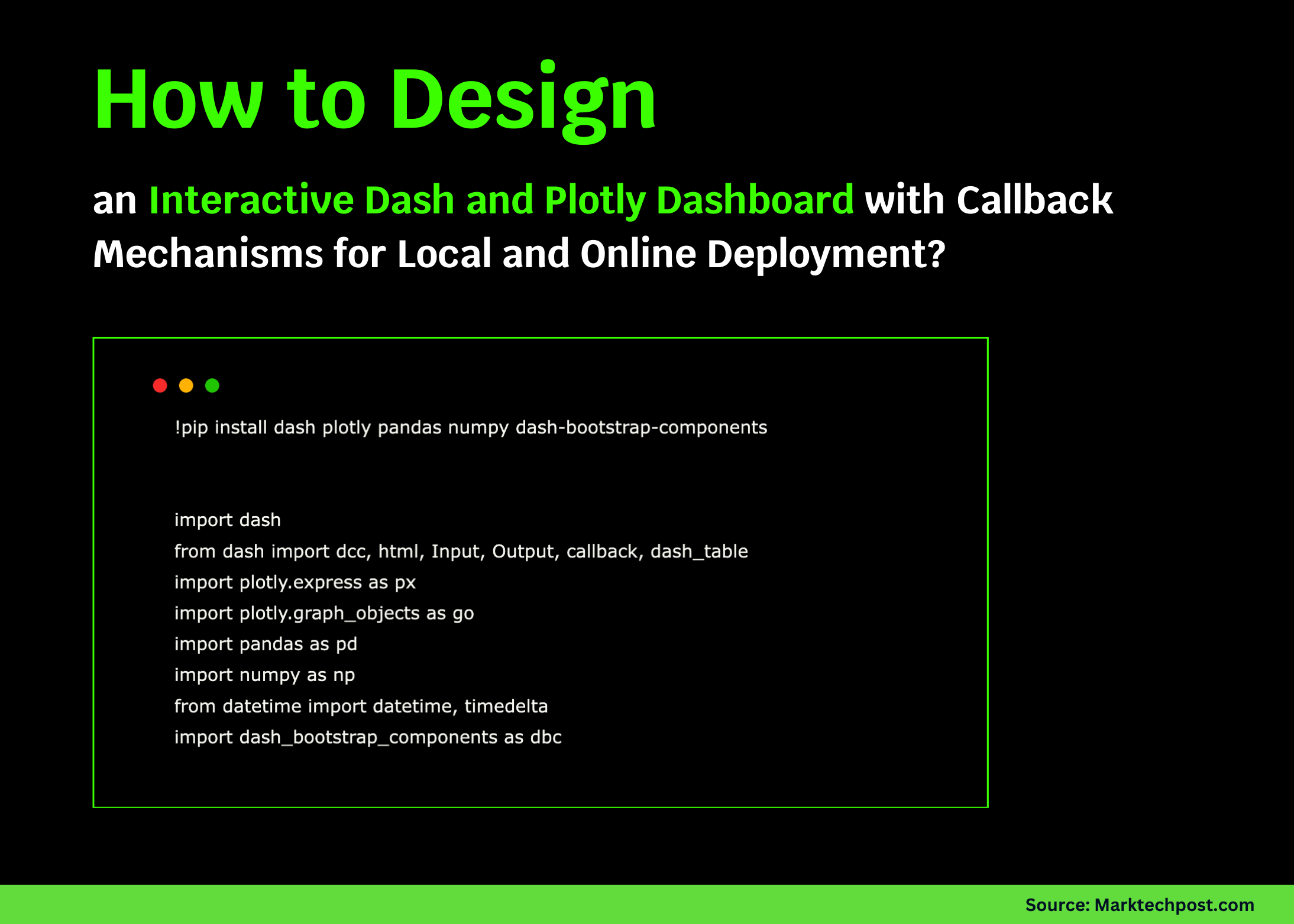
This guide demonstrates how to craft a sophisticated, interactive financial dashboard utilizing Dash, Plotly, and Bootstrap. Beyond just creating appealing layouts and visualizations, we delve into Dash’s callback system, which seamlessly connects user inputs to dynamic outputs, enabling real-time interactivity. Our workflow supports both local execution and cloud environments such as Google Colab, offering a versatile and efficient development experience.
!pip install dash plotly pandas numpy dash-bootstrap-components

import dash
from dash import dcc, html, Input, Output, callback, dash_table
import plotly.express as px
import pandas as pd
import numpy as np
from datetime import datetime
import dash_bootstrap_components as dbc

print("Preparing sample dataset...")
np.random.seed(42)
We start by installing and importing essential libraries: Dash for app structure, Plotly for visualization, Pandas and NumPy for data manipulation, and Bootstrap components for styling. To ensure reproducibility, we initialize the random seed and prepare synthetic data to test our dashboard’s interactive elements consistently.
start_date = datetime(2023, 1, 1)
end_date = datetime(2024, 12, 31)
date_range = pd.date_range(start=start_date, end=end_date, freq='D')
tickers = ['AAPL', 'GOOGL', 'MSFT', 'AMZN', 'TSLA']

data_frames = []
initial_prices = {'AAPL': 150, 'GOOGL': 120, 'MSFT': 250, 'AMZN': 100, 'TSLA': 200}

for ticker in tickers:
    print(f"Generating data for {ticker}...")
    base_price = initial_prices[ticker]
    days = len(date_range)
    daily_returns = np.random.normal(0.0005, 0.025, days)
    prices = np.zeros(days)
    prices[0] = base_price

    for day in range(1, days):
        prices[day] = prices[day - 1] * (1 + daily_returns[day])

    volumes = np.random.lognormal(15, 0.5, days).astype(int)

    df_ticker = pd.DataFrame({
        'Date': date_range,
        'Stock': ticker,
        'Price': prices,
        'Volume': volumes,
        'Returns': np.concatenate([[0], np.diff(prices) / prices[:-1]]),
        'Sector': np.random.choice(['Technology', 'Consumer Goods', 'Automotive'], 1)[0]
    })

    data_frames.append(df_ticker)

df = pd.concat(data_frames, ignore_index=True)
df['Date'] = pd.to_datetime(df['Date'])
df = df.sort_values(['Stock', 'Date']).reset_index(drop=True)

print("Computing technical indicators...")
df['MA_20'] = df.groupby('Stock')['Price'].transform(lambda x: x.rolling(window=20, min_periods=1).mean())
df['Volatility'] = df.groupby('Stock')['Returns'].transform(lambda x: x.rolling(window=30, min_periods=1).std())

print(f"Dataset ready with {df.shape[0]} records")
print(f"Date span: {df['Date'].min().date()} to {df['Date'].max().date()}")
print(f"Included stocks: {df['Stock'].unique().tolist()}")
Here, we simulate daily stock data for five major companies over two years, including price, volume, and daily returns. We enrich the dataset by calculating 20-day moving averages and 30-day volatility, which are key technical indicators for financial analysis. This comprehensive dataset forms the backbone for our interactive visualizations.
app = dash.Dash(__name__, external_stylesheets=[dbc.themes.BOOTSTRAP])

app.layout = dbc.Container([
    dbc.Row([
        dbc.Col([
            html.H1("📊 Interactive Financial Dashboard", className="text-center mb-4"),
            html.P(f"Visualizing {len(df)} data points for {len(tickers)} stocks",
                   className="text-center text-secondary"),
            html.Hr()
        ])
    ]),

    dbc.Row([
        dbc.Col([
            dbc.Card([
                dbc.CardBody([
                    html.H5("⚙️ Dashboard Settings", className="card-title"),
                    html.Label("Choose Stocks:", className="fw-bold mt-3"),
                    dcc.Dropdown(
                        id='stock-selector',
                        options=[{'label': f"{stock} (Base: ${initial_prices[stock]})", 'value': stock} for stock in tickers],
                        value=['AAPL', 'GOOGL'],
                        multi=True,
                        placeholder="Select one or more stocks"
                    ),
                    html.Label("Select Date Range:", className="fw-bold mt-3"),
                    dcc.DatePickerRange(
                        id='date-range-picker',
                        start_date='2023-06-01',
                        end_date='2024-06-01',
                        display_format='YYYY-MM-DD',
                        style={'width': '100%'}
                    ),
                    html.Label("Choose Chart Type:", className="fw-bold mt-3"),
                    dcc.RadioItems(
                        id='chart-style',
                        options=[
                            {'label': 'Line Chart', 'value': 'line'},
                            {'label': 'Area Chart', 'value': 'area'},
                            {'label': 'Scatter Plot', 'value': 'scatter'}
                        ],
                        value='line',
                        labelStyle={'display': 'block', 'margin': '5px 0'}
                    ),
                    dbc.Checklist(
                        id='toggle-ma',
                        options=[{'label': 'Display 20-Day Moving Average', 'value': 'show'}],
                        value=[],
                        style={'margin': '10px 0'}
                    )
                ])
            ], className="h-100")
        ], width=3),

        dbc.Col([
            dbc.Card([
                dbc.CardHeader("📈 Stock Price Overview"),
                dbc.CardBody([
                    dcc.Graph(id='price-chart', style={'height': '450px'})
                ])
            ])
        ], width=9)
    ], className="mb-4"),

    dbc.Row([
        dbc.Col([
            dbc.Card([
                dbc.CardBody([
                    html.H4(id="avg-price-display", className="text-primary mb-0"),
                    html.Small("Average Price", className="text-muted")
                ])
            ])
        ], width=3),
        dbc.Col([
            dbc.Card([
                dbc.CardBody([
                    html.H4(id="total-volume-display", className="text-success mb-0"),
                    html.Small("Total Trading Volume", className="text-muted")
                ])
            ])
        ], width=3),
        dbc.Col([
            dbc.Card([
                dbc.CardBody([
                    html.H4(id="price-range-display", className="text-info mb-0"),
                    html.Small("Price Range", className="text-muted")
                ])
            ])
        ], width=3),
        dbc.Col([
            dbc.Card([
                dbc.CardBody([
                    html.H4(id="data-count-display", className="text-warning mb-0"),
                    html.Small("Data Points Count", className="text-muted")
                ])
            ])
        ], width=3)
    ], className="mb-4"),

    dbc.Row([
        dbc.Col([
            dbc.Card([
                dbc.CardHeader("📊 Trading Volume"),
                dbc.CardBody([
                    dcc.Graph(id='volume-chart', style={'height': '300px'})
                ])
            ])
        ], width=6),
        dbc.Col([
            dbc.Card([
                dbc.CardHeader("📉 Returns Distribution"),
                dbc.CardBody([
                    dcc.Graph(id='returns-histogram', style={'height': '300px'})
                ])
            ])
        ], width=6)
    ], className="mb-4"),

    dbc.Row([
        dbc.Col([
            dbc.Card([
                dbc.CardHeader("🗂️ Recent Stock Data"),
                dbc.CardBody([
                    dash_table.DataTable(
                        id='stock-data-table',
                        columns=[
                            {'name': 'Stock', 'id': 'Stock'},
                            {'name': 'Date', 'id': 'Date'},
                            {'name': 'Price ($)', 'id': 'Price', 'type': 'numeric', 'format': {'specifier': '.2f'}},
                            {'name': 'Volume', 'id': 'Volume', 'type': 'numeric', 'format': {'specifier': ',.0f'}},
                            {'name': 'Daily Return (%)', 'id': 'Returns', 'type': 'numeric', 'format': {'specifier': '.2%'}}
                        ],
                        style_cell={'textAlign': 'center', 'fontSize': '14px', 'padding': '10px'},
                        style_header={'backgroundColor': '#e6e6e6', 'fontWeight': 'bold'},
                        style_data_conditional=[
                            {'if': {'filter_query': '{Returns} > 0'}, 'backgroundColor': '#d4edda'},
                            {'if': {'filter_query': '{Returns}
Our dashboard layout leverages Bootstrap's grid system to arrange controls and visual components neatly. Users can select stocks, define date ranges, pick chart types, and toggle moving averages. The interface includes key performance indicators, two supplementary charts for volume and returns, and a sortable, filterable data table for detailed inspection, all designed for responsiveness and clarity.
@callback(
    [
        Output('price-chart', 'figure'),
        Output('volume-chart', 'figure'),
        Output('returns-histogram', 'figure'),
        Output('stock-data-table', 'data'),
        Output('avg-price-display', 'children'),
        Output('total-volume-display', 'children'),
        Output('price-range-display', 'children'),
        Output('data-count-display', 'children')
    ],
    [
        Input('stock-selector', 'value'),
        Input('date-range-picker', 'start_date'),
        Input('date-range-picker', 'end_date'),
        Input('chart-style', 'value'),
        Input('toggle-ma', 'value')
    ]
)
def refresh_dashboard(selected_stocks, start_date, end_date, chart_style, show_ma):
    print(f"Updating dashboard for stocks: {selected_stocks}")

    if not selected_stocks:
        selected_stocks = ['AAPL']

    filtered_data = df[
        (df['Stock'].isin(selected_stocks)) &
        (df['Date'] >= start_date) &
        (df['Date']
This callback function binds user inputs to all dashboard outputs. It filters the dataset based on selected stocks and dates, then generates the main price chart in the chosen style, optionally overlaying moving averages. It also creates volume and returns charts, computes summary statistics, and prepares the latest data for the table. This ensures the dashboard updates instantly and cohesively with every user interaction.
if __name__ == '__main__':
    print("Launching the Dash application...")
    print("Sample data preview:")
    print(df.head())
    print(f"Total records: {len(df)}")

    app.run_server(mode='inline', port=8050, debug=True, height=1000)

    # For local development, use:
    # app.run_server(debug=True)
To start the dashboard, we print a brief snapshot of the dataset and then launch the Dash server. When working in environments like Google Colab, the app runs inline for convenience. For desktop development, switching to the standard server run command enables local hosting and debugging.
In summary, this project integrates interactive visualizations, responsive design, and Dash's reactive callbacks into a unified financial dashboard. The architecture facilitates smooth user-driven updates, transforming static data into an engaging analytical tool. Its adaptability to both cloud and local setups makes it a robust foundation for expanding into more complex financial applications.