Harnessing PyGWalker for Dynamic E-Commerce Data Visualization
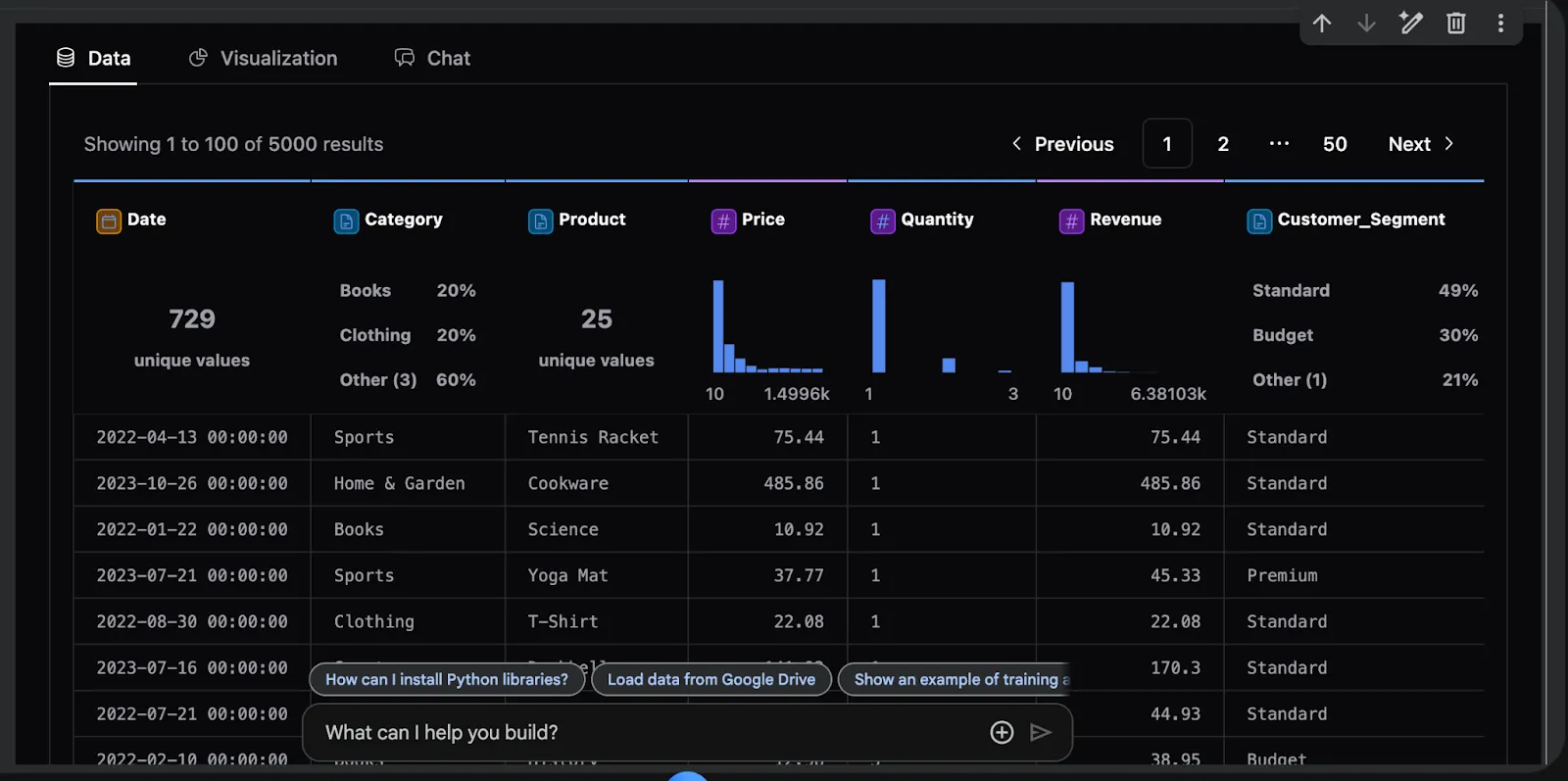
This guide delves into the sophisticated features of PyGWalker, an innovative visualization tool that integrates effortlessly with pandas for enhanced data analysis. We start by crafting a detailed synthetic e-commerce dataset, embedding temporal, demographic, and marketing variables to reflect authentic business scenarios. Subsequently, we prepare diverse analytical summaries such as daily revenue trends, product category insights, and customer segment evaluations. Finally, we leverage PyGWalker’s interactive drag-and-drop interface to uncover patterns, relationships, and trends across these facets, enabling intuitive and insightful data exploration.
Setting Up the Environment and Essential Libraries
To begin, we install the required packages and import key Python libraries including pandas, numpy, and pygwalker. This setup ensures a smooth workflow for building an interactive analytics dashboard within a Jupyter or Colab environment.
!pip install pygwalker pandas numpy scikit-learn

import pandas as pd
import numpy as np
import pygwalker as pyg
from datetime import datetime, timedelta
Creating a Realistic E-Commerce Dataset with Rich Features
We define a function that simulates a comprehensive e-commerce dataset spanning two years. The data incorporates multiple product categories, customer demographics, seasonal demand fluctuations, and satisfaction ratings, providing a robust foundation for analysis.
def create_ecommerce_data():
    np.random.seed(42)
    start = datetime(2022, 1, 1)
    date_range = [start + timedelta(days=i) for i in range(730)]

    categories = ['Gadgets', 'Apparel', 'Home Decor', 'Fitness', 'Literature']
    products = {
        'Gadgets': ['Laptop', 'Smartphone', 'Earbuds', 'Tablet', 'Smartwatch'],
        'Apparel': ['T-Shirt', 'Jeans', 'Jacket', 'Sneakers', 'Hat'],
        'Home Decor': ['Lamp', 'Rug', 'Vase', 'Curtains', 'Shelf'],
        'Fitness': ['Yoga Mat', 'Dumbbells', 'Running Shoes', 'Bicycle', 'Jump Rope'],
        'Literature': ['Novel', 'Biography', 'Science', 'History', 'Poetry']
    }

    transactions = 6000
    records = []

    for _ in range(transactions):
        date = np.random.choice(date_range)
        category = np.random.choice(categories)
        product = np.random.choice(products[category])

        price_ranges = {
            'Gadgets': (250, 1600),
            'Apparel': (15, 180),
            'Home Decor': (25, 550),
            'Fitness': (20, 350),
            'Literature': (8, 60)
        }
        price = np.random.uniform(*price_ranges[category])

        quantity = np.random.choice([1, 1, 2, 2, 3, 4], p=[0.4, 0.3, 0.15, 0.1, 0.04, 0.01])
        customer_type = np.random.choice(['Elite', 'Regular', 'Economy'], p=[0.25, 0.5, 0.25])
        age_bracket = np.random.choice(['18-24', '25-34', '35-44', '45-54', '55+'])
        region = np.random.choice(['North', 'South', 'East', 'West', 'Central'])

        month = date.month
        seasonal_multiplier = 1.0
        if month in [11, 12]:
            seasonal_multiplier = 1.6
        elif month in [5, 6, 7]:
            seasonal_multiplier = 1.3

        revenue = price * quantity * seasonal_multiplier
        discount_pct = np.random.choice([0, 5, 10, 15, 20, 30], p=[0.35, 0.25, 0.2, 0.1, 0.07, 0.03])
        marketing_source = np.random.choice(['Organic', 'Social', 'Email', 'Paid'])

        base_satisfaction = 3.8
        if customer_type == 'Elite':
            base_satisfaction += 0.6
        if discount_pct >= 20:
            base_satisfaction += 0.4

        satisfaction = np.clip(base_satisfaction + np.random.normal(0, 0.4), 1, 5)

        records.append({
            'Date': date,
            'Category': category,
            'Product': product,
            'Price': round(price, 2),
            'Quantity': quantity,
            'Revenue': round(revenue, 2),
            'Customer_Type': customer_type,
            'Age_Bracket': age_bracket,
            'Region': region,
            'Discount_Percent': discount_pct,
            'Marketing_Source': marketing_source,
            'Customer_Satisfaction': round(satisfaction, 2),
            'Month': date.strftime('%B'),
            'Year': date.year,
            'Quarter': f'Q{(month-1)//3 + 1}'
        })

    df = pd.DataFrame(records)
    df['Profit_Margin'] = round(df['Revenue'] * (1 - df['Discount_Percent']/100) * 0.28, 2)
    df['Days_Since_Start'] = (df['Date'] - df['Date'].min()).dt.days
    return df
Generating and Summarizing the Dataset
After generating the dataset, we extract key metrics such as total transactions, revenue span, and preview the initial records to validate the data’s structure and richness.
print("Starting dataset creation...")
df = create_ecommerce_data()
print(f"nDataset Summary:")
print(f"Total Transactions: {len(df)}")
print(f"Date Range: {df['Date'].min().date()} to {df['Date'].max().date()}")
print(f"Aggregate Revenue: ${df['Revenue'].sum():,.2f}")
print(f"Columns Included: {list(df.columns)}")
print("nSample Data Preview:")
print(df.head())
Preparing Aggregated Views for In-Depth Analysis
To facilitate comprehensive insights, we aggregate the data across multiple dimensions: daily sales trends, category-level performance, and customer segment analysis by region. These summaries enable targeted visualizations and deeper understanding of business dynamics.
daily_summary = df.groupby('Date').agg({
    'Revenue': 'sum',
    'Quantity': 'sum',
    'Customer_Satisfaction': 'mean'
}).reset_index()

category_summary = df.groupby('Category').agg({
    'Revenue': ['sum', 'mean'],
    'Quantity': 'sum',
    'Customer_Satisfaction': 'mean',
    'Profit_Margin': 'sum'
}).reset_index()
category_summary.columns = ['Category', 'Total_Revenue', 'Average_Order_Value', 'Total_Quantity', 'Average_Satisfaction', 'Total_Profit']

segment_summary = df.groupby(['Customer_Type', 'Region']).agg({
    'Revenue': 'sum',
    'Customer_Satisfaction': 'mean'
}).reset_index()

print("n" + "="*60)
print("DATA PREPARED FOR PYGWALKER VISUALIZATION")
print("="*60)
Launching PyGWalker for Interactive Data Exploration
We initiate PyGWalker’s interactive dashboard, empowering users to craft diverse visualizations such as revenue trends, category distributions, satisfaction correlations, regional heatmaps, and discount impact analyses. This hands-on approach accelerates insight discovery without extensive coding.
print("n🚀 Starting PyGWalker interactive session...")
walker = pyg.walk(
    df,
    spec="./pygwalker_config.json",
    use_kernel_calc=True,
    theme_key='g2'
)

print("n✅ PyGWalker is active!")
print("💡 Suggested visualizations to try:")
print("   - Line chart: Revenue progression over time")
print("   - Pie chart: Sales distribution by category")
print("   - Scatter plot: Price versus Customer Satisfaction")
print("   - Heatmap: Regional sales intensity")
print("   - Bar chart: Effectiveness of discounts on sales")
Summary and Benefits of Using PyGWalker for Business Analytics
In summary, this tutorial demonstrates how to build a full-fledged interactive analytics pipeline using PyGWalker. From generating a nuanced dataset to engineering insightful features and performing multidimensional aggregations, PyGWalker enables seamless transformation of raw data into compelling visual narratives. This approach empowers analysts and business stakeholders to rapidly explore, interpret, and act on data-driven insights without reliance on complex BI platforms or extensive programming.