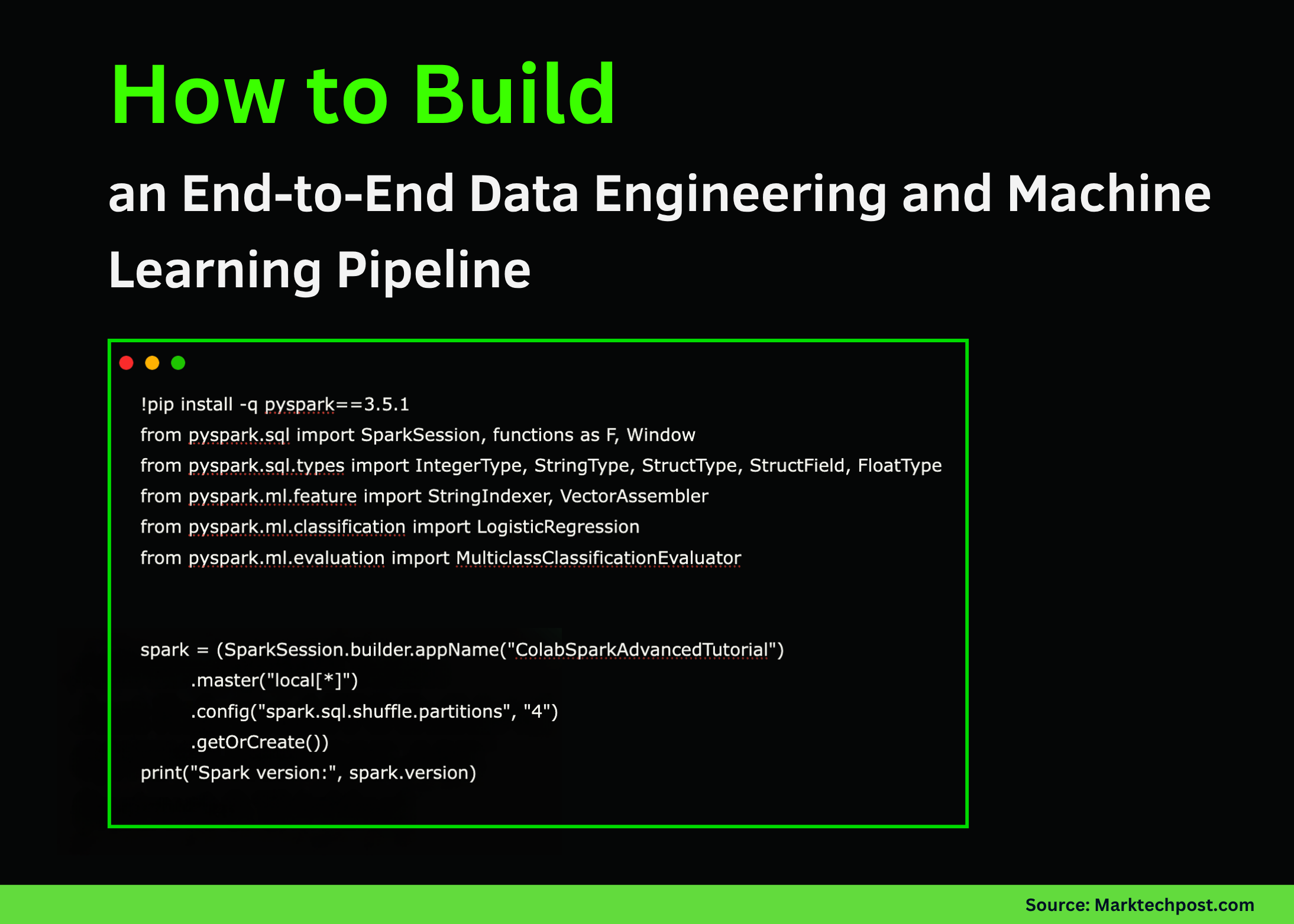
Mastering PySpark in Google Colab: A Comprehensive Guide to Data Processing and Machine Learning with Apache Spark
This guide walks you through leveraging Apache Spark’s powerful data processing capabilities using PySpark within the Google Colab environment. Starting with initializing a Spark session locally, we progressively cover essential data transformations, SQL querying, advanced window functions, and join operations. We then transition into building a straightforward machine learning model to classify user subscription tiers, followed by demonstrating how to efficiently save and reload datasets in Parquet format. Despite running on a single-node setup, this tutorial highlights how Spark’s distributed architecture can be effectively utilized for scalable analytics and data workflows.
Setting Up PySpark and Creating a Structured User Dataset
First, we install PySpark and initiate a Spark session configured for local execution. We then construct a DataFrame encapsulating user details such as their country, income, subscription plan, and signup date. This structured dataset serves as the backbone for subsequent data manipulations and analyses.
!pip install -q pyspark==3.5.1
from pyspark.sql import SparkSession, functions as F, Window
from pyspark.sql.types import IntegerType, StringType, StructType, StructField, FloatType
from pyspark.ml.feature import StringIndexer, VectorAssembler
from pyspark.ml.classification import LogisticRegression
from pyspark.ml.evaluation import MulticlassClassificationEvaluator

spark = (SparkSession.builder.appName("GoogleColabPySparkTutorial")
         .master("local[*]")
         .config("spark.sql.shuffle.partitions", "4")
         .getOrCreate())
print("Running Spark version:", spark.version)

user_data = [
    (1, "Alice", "IN", "2025-10-01", 56000.0, "premium"),
    (2, "Bob", "US", "2025-10-03", 43000.0, "standard"),
    (3, "Carlos", "IN", "2025-09-27", 72000.0, "premium"),
    (4, "Diana", "UK", "2025-09-30", 39000.0, "standard"),
    (5, "Esha", "IN", "2025-10-02", 85000.0, "premium"),
    (6, "Farid", "AE", "2025-10-02", 31000.0, "basic"),
    (7, "Gita", "IN", "2025-09-29", 46000.0, "standard"),
    (8, "Hassan", "PK", "2025-10-01", 52000.0, "premium"),
]

user_schema = StructType([
    StructField("id", IntegerType(), False),
    StructField("name", StringType(), True),
    StructField("country", StringType(), True),
    StructField("signup_date", StringType(), True),
    StructField("income", FloatType(), True),
    StructField("plan", StringType(), True),
])

users_df = spark.createDataFrame(user_data, user_schema)
users_df.show()
Enhancing Data with Transformations and SQL Queries
Next, we enrich the dataset by converting signup dates into timestamps and extracting year and month components. We also add a binary indicator to flag users from India. Registering the DataFrame as a temporary SQL view enables us to perform aggregations such as counting users and calculating average income per country. Additionally, we apply window functions to rank users by income within their respective countries. To further categorize subscription plans, a user-defined function assigns priority scores, facilitating more nuanced analyses.
enhanced_df = (users_df.withColumn("signup_ts", F.to_timestamp("signup_date"))
                        .withColumn("year", F.year("signup_ts"))
                        .withColumn("month", F.month("signup_ts"))
                        .withColumn("is_india", (F.col("country") == "IN").cast("int")))

enhanced_df.show()

enhanced_df.createOrReplaceTempView("users")

spark.sql("""
SELECT country, COUNT(*) AS user_count, AVG(income) AS average_income
FROM users
GROUP BY country
ORDER BY user_count DESC
""").show()

window_spec = Window.partitionBy("country").orderBy(F.col("income").desc())
ranked_df = enhanced_df.withColumn("income_rank", F.rank().over(window_spec))
ranked_df.show()

def assign_plan_priority(plan):
    priorities = {"premium": 3, "standard": 2, "basic": 1}
    return priorities.get(plan, 0)

priority_udf = F.udf(assign_plan_priority, IntegerType())
priority_df = ranked_df.withColumn("plan_priority", priority_udf(F.col("plan")))
priority_df.show()
Integrating Country Metadata and Aggregating Regional Insights
To provide broader context, we merge the user data with country-specific metadata, including geographic region and population in billions. This join operation enriches the dataset, enabling us to compute aggregated statistics such as the number of users and average income segmented by region and subscription plan. This step exemplifies Spark’s ability to seamlessly combine diverse datasets and perform complex groupings with ease.
country_info = [
    ("IN", "Asia", 1.42),
    ("US", "North America", 0.33),
    ("UK", "Europe", 0.07),
    ("AE", "Asia", 0.01),
    ("PK", "Asia", 0.24),
]

country_schema = StructType([
    StructField("country", StringType(), True),
    StructField("region", StringType(), True),
    StructField("population_bn", FloatType(), True),
])

country_df = spark.createDataFrame(country_info, country_schema)

joined_df = priority_df.alias("u").join(country_df.alias("c"), on="country", how="left")
joined_df.show()

regional_summary = (joined_df.groupBy("region", "plan")
                  .agg(F.count("*").alias("user_count"),
                       F.round(F.avg("income"), 2).alias("avg_income"))
                  .orderBy("region", "plan"))
regional_summary.show()
Building and Evaluating a Logistic Regression Model for Subscription Prediction
Transitioning into machine learning, we prepare the data by labeling premium users and handling missing values. Categorical variables such as country are encoded numerically using StringIndexer. We then assemble relevant features into a vector and split the data into training and testing subsets. A logistic regression model is trained to predict whether a user holds a premium subscription. Finally, we assess the model’s accuracy, demonstrating how Spark MLlib integrates seamlessly into the data processing pipeline.
ml_ready_df = joined_df.withColumn("label", (F.col("plan") == "premium").cast("int")).na.drop()

country_indexer = StringIndexer(inputCol="country", outputCol="country_idx", handleInvalid="keep")
fitted_indexer = country_indexer.fit(ml_ready_df)
indexed_df = fitted_indexer.transform(ml_ready_df)

feature_assembler = VectorAssembler(inputCols=["income", "country_idx", "plan_priority"], outputCol="features")
final_ml_df = feature_assembler.transform(indexed_df)

train_data, test_data = final_ml_df.randomSplit([0.7, 0.3], seed=42)

log_reg = LogisticRegression(featuresCol="features", labelCol="label", maxIter=20)
model = log_reg.fit(train_data)

predictions = model.transform(test_data)
predictions.select("name", "country", "income", "plan", "label", "prediction", "probability").show(truncate=False)

accuracy_evaluator = MulticlassClassificationEvaluator(labelCol="label", predictionCol="prediction", metricName="accuracy")
accuracy = accuracy_evaluator.evaluate(predictions)
print("Model classification accuracy:", accuracy)
Persisting Data with Parquet and Querying Recent Signups
To finalize the workflow, we save the enriched dataset in Parquet format, a columnar storage file type optimized for big data processing. We then reload the data to verify integrity. Additionally, we execute a SQL query to extract users who signed up on or after October 1, 2025, ordering results by signup date. Examining the query execution plan offers insights into Spark’s optimization strategies. The session is then cleanly terminated.
parquet_path = "/content/spark_users_parquet"
joined_df.write.mode("overwrite").parquet(parquet_path)

reloaded_df = spark.read.parquet(parquet_path)
print("Data reloaded from Parquet:")
reloaded_df.show()

recent_signups = spark.sql("""
SELECT name, country, income, signup_ts
FROM users
WHERE signup_ts >= '2025-10-01'
ORDER BY signup_ts DESC
""")
recent_signups.show()

recent_signups.explain()

spark.stop()
Summary: Unifying Data Engineering and Machine Learning with PySpark in Colab
This tutorial has demonstrated how PySpark serves as a versatile platform that bridges data engineering and machine learning within a single, scalable framework. From foundational DataFrame manipulations and SQL analytics to feature engineering and predictive modeling, all operations were conducted seamlessly inside Google Colab. By experimenting with these techniques, you can accelerate prototyping and deployment of Spark-powered data solutions, whether on local machines or distributed clusters.