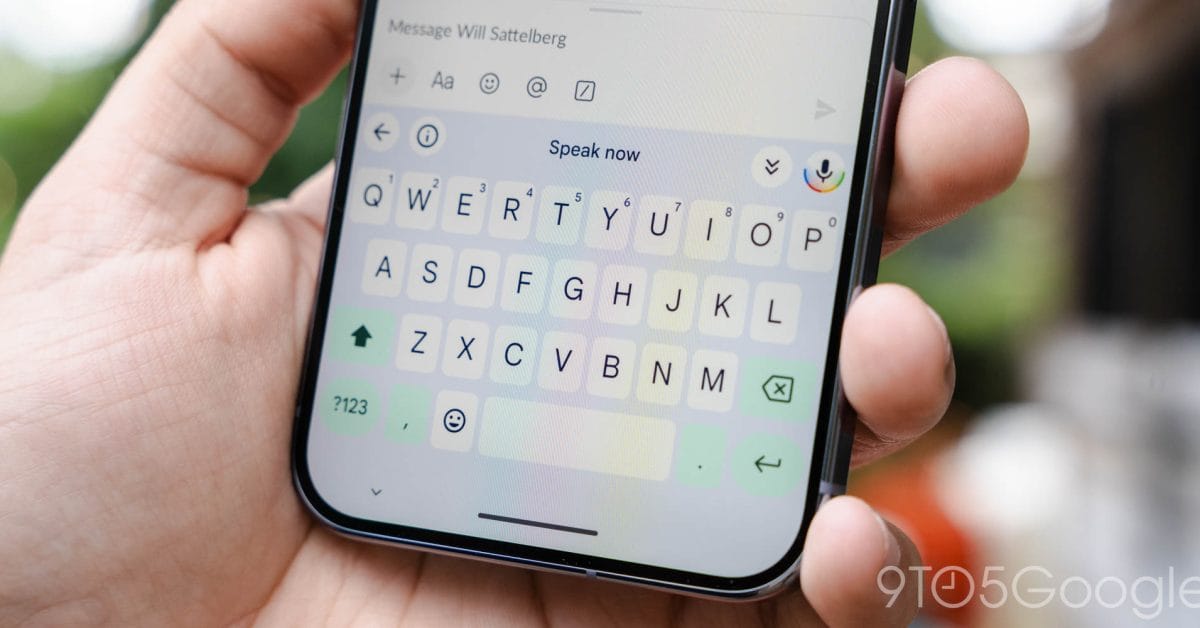
Gboard Updates: Enhanced AI Features and Streamlined Interface for Pixel 10 Series
The Pixel 10 lineup has ushered in a new era for Gboard, integrating advanced generative AI writing tools alongside an innovative Smart Edit Voice feature. These enhancements aim to elevate the typing experience by offering smarter, context-aware suggestions and voice editing capabilities.
Refreshed Visual Design and Suggestion Presentation
Users will notice a subtle yet impactful redesign in how Gboard displays suggestions. Instead of the traditional rounded rectangles, suggestion prompts-including clipboard paste options and Magic Cue integrations with Pixel Screenshots-now appear within sleek, pill-shaped containers. This design update enhances readability and aligns with modern UI trends.
Settings Overhaul: Simplification and Improved Accessibility
With the rollout of Gboard version 15.8.4, initially available on the beta channel and now stable, the settings menu has undergone a thoughtful reorganization. The “Layout” section now conveniently houses the “Suggestion Strip” toggle, which was previously scattered across different menus, making customization more intuitive.
Expanded Shortcut Options
The “Shortcuts” category has been enriched with several new controls, centralizing key tap feedback and personalization options:
- Adjustable sound volume for key taps
- Keyboard vibration intensity settings
- Pop-up key display toggles
- Customizable tap and hold duration
- Application icon preferences
This consolidation of settings streamlines user control over tactile and auditory feedback, enhancing the overall typing experience.
Text Correction Features Reimagined
The former “Text Correction” section has been renamed to “Corrections and Suggestions,” reflecting a broader scope of functionality. This area is now divided into two distinct parts:
- Automatic Corrections: Available on Pixel 10 devices and the QPR2 Beta, this feature automatically rectifies common typing errors.
- Spelling and Grammar: Introduced in the QPR2 Beta as a replacement for the previous “Proofread” function, this segment offers enhanced language accuracy tools.
Additionally, users can toggle “Word Suggestions” on or off within the suggestion strip, providing greater control over predictive text behavior. These updates are accessible to all devices enrolled in the beta channel (version 15.8.5).
Looking Ahead: Continuous Improvements and User-Centric Design
These refinements underscore Google’s commitment to evolving Gboard into a more intelligent, user-friendly keyboard. By integrating AI-driven writing assistance and reorganizing settings for easier navigation, Gboard continues to set a high standard for mobile typing tools.
Stay tuned for further updates as Google expands these features across more devices and refines the user experience based on community feedback.