

Exploring Google’s Trio of AI Command-Line Interfaces for Developers
Google has expanded its suite of AI-powered command-line tools, now offering three distinct CLIs tailored to different programming workflows. These tools-Gemini CLI, Gemini CLI GitHub Actions, and the newly introduced Jules Tools-each bring unique capabilities to the terminal, enhancing how developers interact with AI for coding tasks.
Understanding Gemini CLI: Interactive AI at Your Terminal
Launched in July, Gemini CLI provides developers with direct access to Google’s Gemini large language models through an open-source command-line interface. While the underlying Gemini models and API remain proprietary, the CLI itself is open for customization and extension on GitHub, empowering programmers to adapt it to their needs.
One of Gemini CLI’s standout features is its support for ReAct Loops-a reasoning and action cycle that enables dynamic problem-solving within the terminal environment. This approach allows developers to engage with AI interactively, much like a chatbot, but integrated seamlessly into their coding workflow. Gemini CLI works smoothly within VS Code and other IDEs, facilitating quick context switching between code and terminal commands.
Gemini CLI GitHub Actions: Automating Code Reviews and Issue Management
Building on Gemini CLI, Google introduced Gemini CLI GitHub Actions in August. This tool integrates Gemini’s AI capabilities into GitHub’s automation ecosystem, enabling AI-driven code reviews, pull request comments, and issue management directly within repositories. By embedding AI into GitHub workflows, developers can automate repetitive tasks and improve code quality with minimal manual intervention.
Introducing Jules Tools: Autonomous Cloud-Based Coding Agents
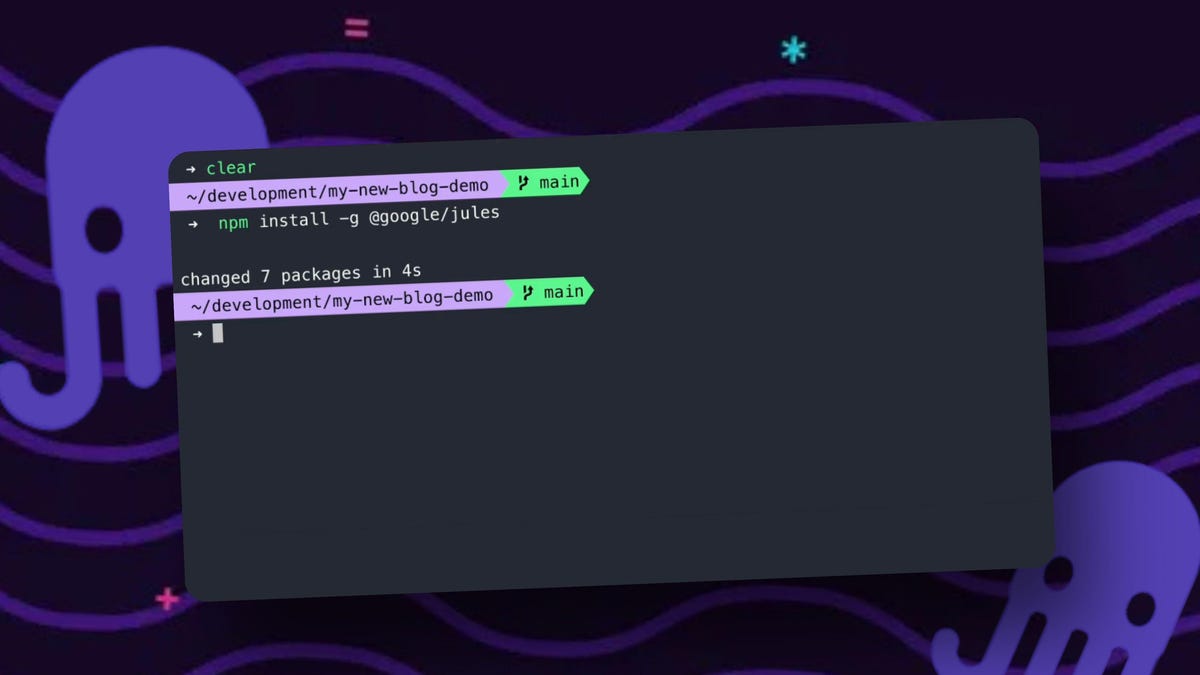
Most recently, Google unveiled Jules Tools, a command-line interface for its autonomous AI coding agent, Jules. Unlike Gemini, which excels at interactive, quick tasks, Jules operates asynchronously in the cloud, autonomously planning and executing complex coding assignments within a virtual machine environment.
Jules Tools allows developers to manage these cloud-based agents via the terminal, offering commands to create, list, and retrieve coding tasks or patches. This CLI enhances workflow flexibility by letting users delegate larger, more involved projects to Jules while maintaining control through familiar command-line operations.
Practical Use Cases: Automating Tedious Tasks with AI
Consider this example that demonstrates the power of Jules Tools combined with GitHub CLI:
# Fetch the latest GitHub issue assigned to you and create a Jules task to resolve it
gh issue list --assignee @me --limit 1 --json title | jq -r '.[0].title' | jules remote new --repo .
This command sequence automates the process of identifying a pending issue and delegating it to Jules for resolution, streamlining task management directly from the terminal.
Another innovative workflow merges Gemini CLI’s reasoning with Jules’ execution capabilities. Gemini can analyze repository issues, distinguishing between “tedious” repetitive tasks and “difficult” complex problems, then assign the most monotonous tasks to Jules for automated handling. Imagine a custom command like do-the-next-tedious-one that triggers this entire process, freeing developers from mundane chores.
Choosing the Right AI CLI for Your Development Needs
Each tool serves a distinct purpose:
- Gemini CLI: Ideal for fast, interactive coding assistance and quick problem-solving within the terminal.
- Gemini CLI GitHub Actions: Best suited for integrating AI into automated GitHub workflows, such as code reviews and issue tracking.
- Jules Tools: Designed for delegating larger, asynchronous coding projects to autonomous cloud agents, managed via CLI.
Both Gemini and Jules operate under usage quotas, with Gemini offering rapid responses for numerous small tasks, while Jules handles fewer but more substantial assignments. Developers should experiment with these tools in non-critical environments to understand their strengths and limitations before integrating them into production workflows.
Final Thoughts: Streamlining AI-Powered Development
Google’s approach of segmenting AI coding capabilities into multiple specialized CLIs may initially seem fragmented, but it reflects a strategy to optimize tools for specific developer needs. Whether you prefer the immediacy of Gemini or the autonomy of Jules, these tools collectively represent a significant leap in AI-assisted software development.
Have you explored Gemini CLI or Jules Tools yet? How do you envision incorporating these AI assistants into your coding routine? Share your experiences and preferences to help shape the future of AI-driven development workflows.





