
Generative artificial intelligence has rapidly evolved, transforming from simple text-based chatbots into sophisticated tools capable of handling multimedia content and real-time internet searches. Early AI models like ChatGPT amazed users with their conversational abilities, but today’s AI platforms, such as Sora and Veo 3, can generate highly realistic videos that blur the line between reality and simulation.
With an influx of AI-powered applications flooding the market, users often face the dilemma of juggling multiple tools to meet their needs, which can disrupt workflow and reduce efficiency. The emerging category of AI-integrated web browsers aims to consolidate these capabilities into a single interface, enabling seamless AI assistance across any webpage or document.
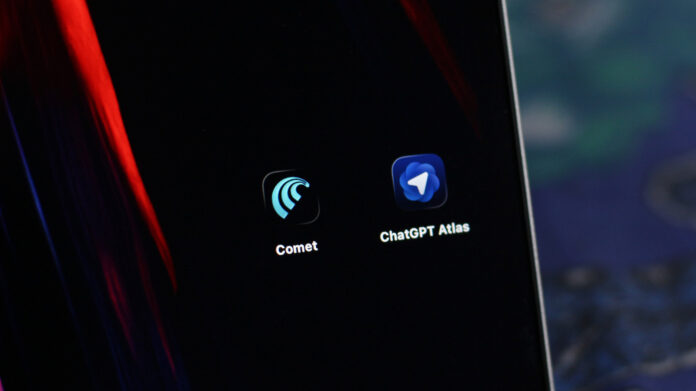
Among the notable contenders in this space are Perplexity Comet and ChatGPT Atlas, both available as free downloads. While ChatGPT Atlas is currently exclusive to macOS, Comet supports both Windows and macOS platforms, making it the default choice for PC users. Let’s explore how these AI browsers differ and which might best suit your digital routine.
ChatGPT Atlas: Streamlined AI Assistance with Core Features
Launching ChatGPT Atlas reveals a minimalist environment designed to focus solely on AI-driven interactions. Each new tab presents a search bar that initiates a ChatGPT conversation, with no options to customize the default search engine or homepage. Users can filter results by web, images, or videos, maintaining a straightforward interface.
Atlas replicates the core functionalities of ChatGPT, including document creation and coding help, but distinguishes itself by integrating AI assistance directly into any webpage. By clicking the “Ask ChatGPT” icon in the browser’s toolbar, a sidebar opens where the AI provides context-aware responses based on the content currently displayed. This contextual understanding enhances productivity by tailoring answers to your immediate tasks.
One of Atlas’ standout features is its memory system, which allows the AI to learn from previous interactions, delivering increasingly personalized and relevant responses over time. Additionally, ChatGPT Plus subscribers can access an experimental Agent mode, enabling the AI to perform actions autonomously-such as navigating LinkedIn to search and apply for job listings on your behalf. Users also have the flexibility to disable the AI assistant on specific websites with just a few clicks, ensuring privacy and control.
Perplexity Comet: A Robust AI Browser with Advanced Capabilities
Built around Perplexity AI, Comet elevates the AI browsing experience by offering access to multiple AI models, including Claude, GPT-5, and Gemini. The browser intelligently selects the most suitable model for each query, providing a versatile and powerful toolset beyond the OpenAI-exclusive approach of Atlas. However, unlocking the full range of models requires a premium subscription.
Unlike the minimalist design of ChatGPT Atlas, Comet functions as a comprehensive web browser packed with features. Its AI assistant can be summoned on any webpage to answer questions related to the content, while its agentic functions enable complex tasks through simple commands. For instance, you might ask Comet to locate a specific moment in a celebrity interview video, and it will not only find the video but also jump to the exact timestamp.
Integration with Google accounts further enhances productivity by allowing quick access to emails and calendar events. Given its extensive capabilities and cross-platform availability, Comet presents a compelling alternative to ChatGPT Atlas, especially for users seeking a more feature-rich AI browsing experience.

