
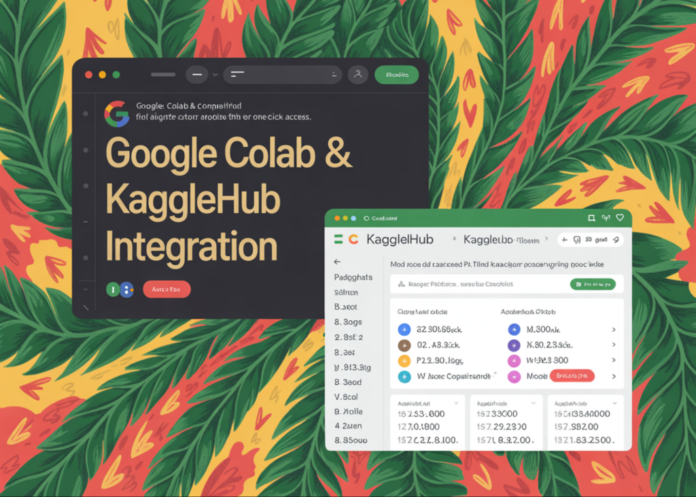
Google has bridged a longstanding divide between Kaggle and Colab by introducing an integrated Data Explorer within Colab notebooks. This new feature enables users to seamlessly search Kaggle’s extensive collection of datasets, models, and competitions directly from the notebook interface, and effortlessly import them via KaggleHub without leaving the editor environment.
Introducing the Colab Data Explorer: Streamlined Access to Kaggle Resources
The recently launched Data Explorer panel in Colab offers a direct connection to Kaggle’s search capabilities, embedded right inside the notebook editor. This integration allows users to:
- Browse Kaggle’s datasets, models, and competitions without switching platforms
- Access the Data Explorer conveniently from Colab’s left-hand toolbar
- Apply advanced filters to narrow down search results by resource type, relevance, or other criteria
By leveraging this tool, data scientists and machine learning practitioners can quickly locate and import Kaggle resources using a simple KaggleHub code snippet, significantly reducing the friction in their workflow.
How Data Access Worked Before: The Complex Setup Process
Prior to this enhancement, integrating Kaggle data into Colab involved a multi-step setup that often proved cumbersome, especially for newcomers. The typical process included:
- Creating a Kaggle account and generating an API token
- Downloading the kaggle.json credentials file
- Uploading the credentials file into the Colab environment
- Configuring environment variables to authenticate API requests
- Using the Kaggle API or CLI commands to fetch datasets
While these steps were well-documented and reliable, they were prone to errors such as misconfigured paths or missing credentials, which could delay the start of actual data analysis. Many beginner tutorials focused primarily on navigating this setup rather than on data exploration or modeling.
It’s important to note that the Colab Data Explorer does not eliminate the need for Kaggle credentials; instead, it simplifies how users discover and load Kaggle resources, minimizing the amount of code required before diving into analysis.
KaggleHub: The Backbone of Colab’s Kaggle Integration
KaggleHub is a Python library designed to facilitate smooth interaction with Kaggle datasets, models, and notebook outputs across various Python environments, including Colab and local setups.
Key features of KaggleHub relevant to Colab users include:
- Compatibility with both Kaggle’s native notebooks and external platforms like Colab and local Python installations
- Automatic authentication using existing Kaggle API credentials when necessary
- Resource-focused functions such as
model_downloadanddataset_download, which accept Kaggle resource identifiers and return usable file paths or objects within the current environment
The Colab Data Explorer leverages KaggleHub as its core mechanism for loading resources. When a user selects a dataset or model from the Explorer panel, Colab generates a corresponding KaggleHub code snippet. Running this snippet within the notebook fetches the resource and makes it immediately accessible in the Colab runtime.
Once imported, these datasets or models can be manipulated using familiar Python libraries like pandas for data analysis, or deep learning frameworks such as PyTorch and TensorFlow for model training and evaluation-just as if the files were stored locally.
Enhancing Productivity with Integrated Data Access
This integration marks a significant improvement in the data science workflow by reducing setup overhead and enabling faster experimentation. For example, a data scientist working on a COVID-19 forecasting model can now quickly search for the latest epidemiological datasets on Kaggle, import them directly into Colab, and begin preprocessing or training models without delay.
As of 2024, Kaggle hosts over 60,000 datasets and thousands of active competitions, making this streamlined access more valuable than ever for researchers and practitioners aiming to leverage real-world data efficiently.

